
GeoMaker!!
A downloadable 2d character poser for Windows and Linux
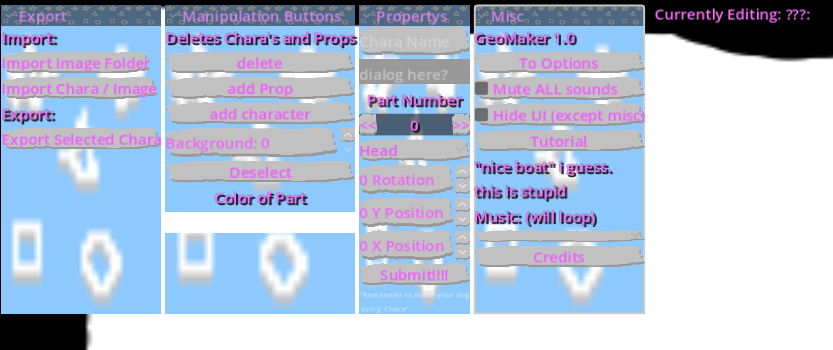
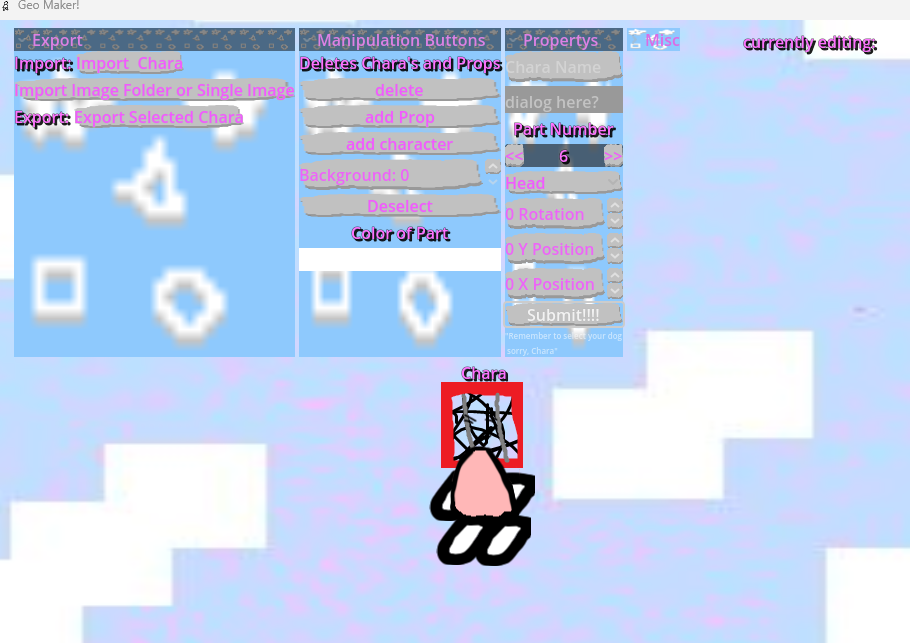
GeoMaker is a free character creation / scene maker tool.
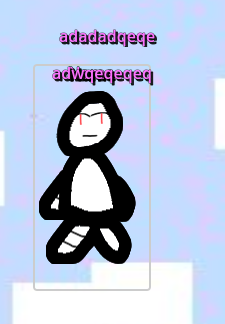
The entire tool takes place in a singular set / stage, where you create characters, move them, pose them, change backgrounds and possibly do other stuff with your own assets! (you can also place props.)
You can import images to use as your chara's body parts or for backgrounds or for prop images. There's an example folder (named clothes) in the download that has example images for dumping in user://.
you can share characters with the world with .tres files.
i hope you have fun with this - lilly
Licence: don't claim this as your own.
Download
Click download now to get access to the following files:
Development log
- 4.1 and actually doing the updateMar 31, 2026
- qol update is out.Mar 29, 2026
- future / andriod removal because even though this was ment for android.Feb 05, 2026
- metadata fixesDec 08, 2025
- truely a happy day at 23:49 on december 7th.Dec 08, 2025
- android issuesDec 08, 2025
- release . guys im so tired let me sleep .Dec 07, 2025
- delayDec 04, 2025
Comments
Log in with itch.io to leave a comment.
having issues, nothing happens upon attempting to import a character. wondering if i am doing something wrong. am on the itch desktop app on arch linux. i open the export dropdown, click import chara or import image/folder, choose a png image for either, and splat boom bap nothing... is happening.... halp?
For importing a chara you have to press add character after you press import chara, and then update part number for it for update fully.
to import an image, you did the right thing but its usually at the end of the part list so go to the end.